MacGPUFix+

MacBook Pro GPU Fix  ·  Intel Mac Recovery Tools

The MacBook Pro GPU Fix —
Bring Your 2011 Mac Back to Life

  • Fix the GPU failure — boot and display correctly again
  • Recover your files from a Mac that won't start
  • Extend your Mac's life — use it with macOS, Linux, and more
  • Open source & Free — inspect every line before running

A bootable recovery tool that fixes the 2011 MacBook Pro GPU failure — and does more for every Intel Mac.

Create your MacGPUFix+ recovery USB now

/bin/bash -c "$(curl -fsSL https://macgpufixplus.com/get/get-macgpufixplus.sh)"

Paste in a macOS Terminal prompt. The script explains every step and pauses before it does anything.
Read the source code ↗  ·  Other platforms →

Watch the MacGPUFix+ USB creation wizard in action — see how the script guides you through every step of creating your recovery USB drive.
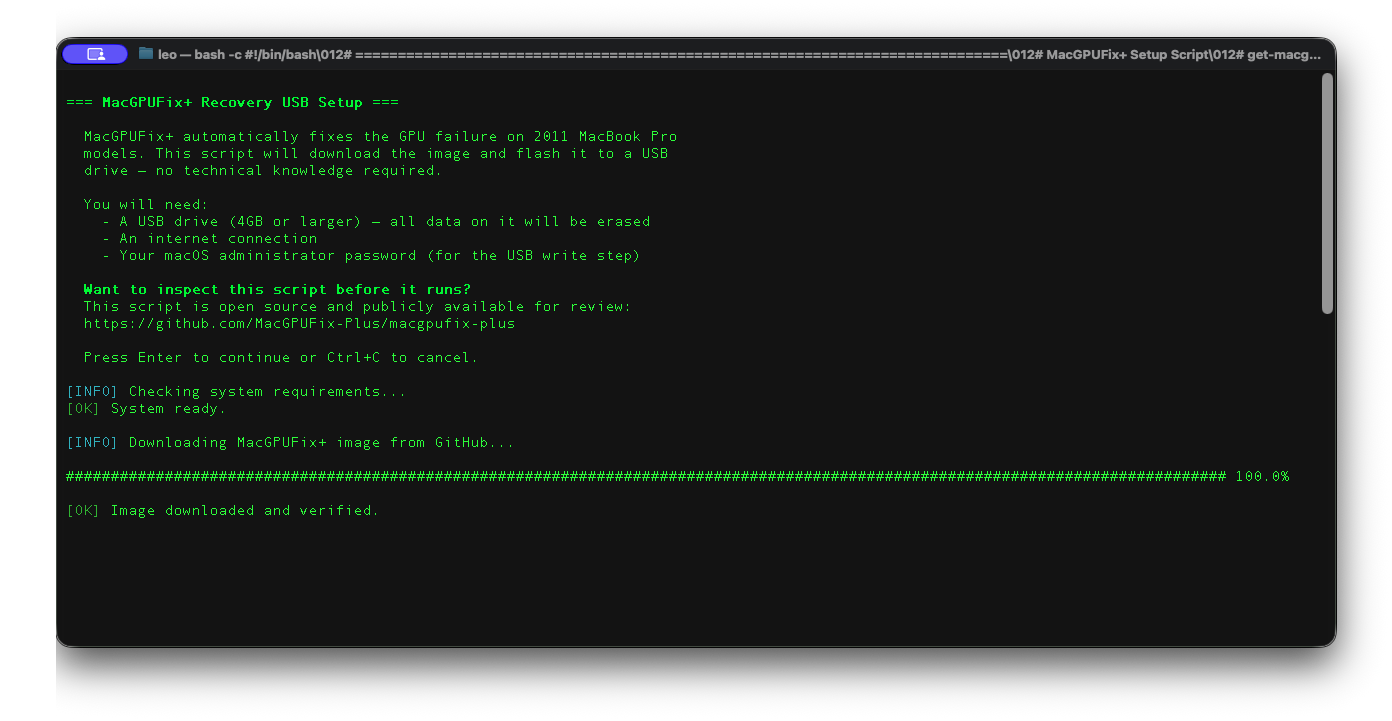
MacGPUFix+ Recovery USB Creation Wizard — click to watch video
⬇️ Download Create your recovery USB on macOS, Windows, or Linux FAQ Find answers to common questions 🤝 Community Users, contributors, and supporters — all welcome

About This Fix

Supported 2011 MacBook Pro GPU Symptoms

Several 2011 MacBook Pro models shipped with AMD discrete GPUs that fail over time due to solder degradation. Symptoms include black screens, display corruption, and crashes. MacGPUFix+ writes a single NVRAM variable that forces your Mac to use the integrated Intel GPU — permanently, automatically, without touching your files.

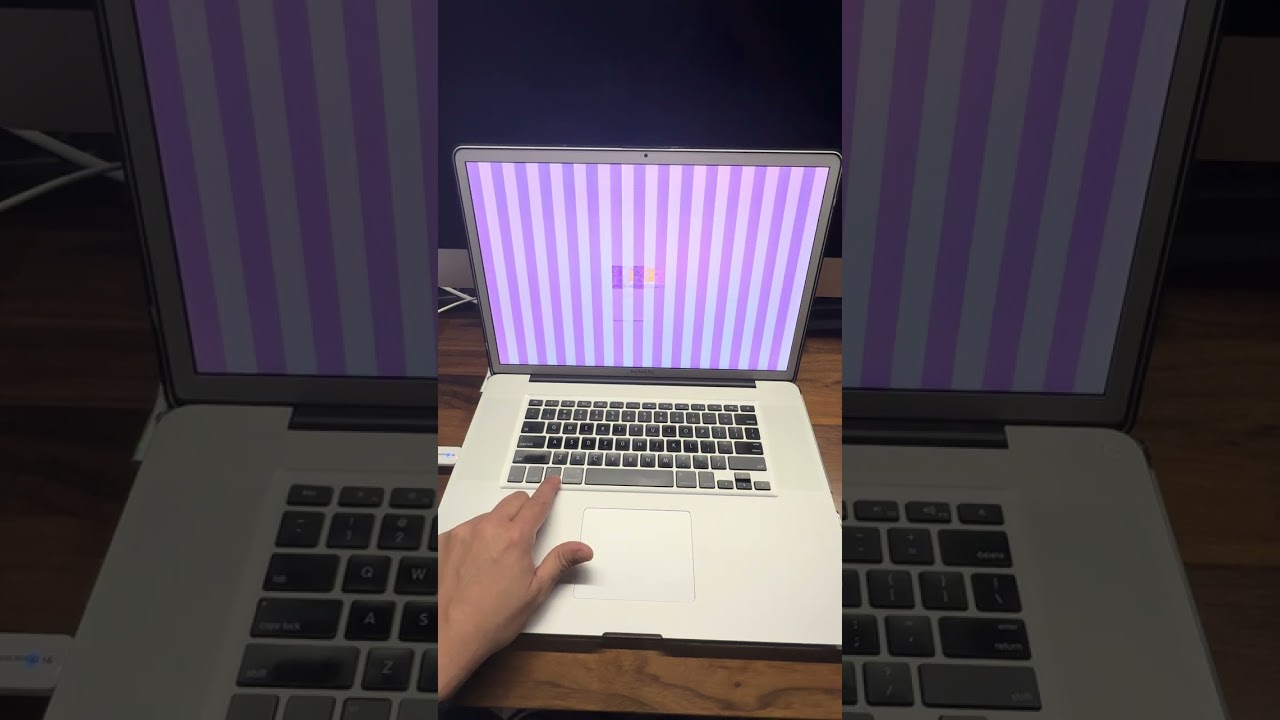
Understanding What Is Lost
  • External monitor support — HDMI and DisplayPort route through the AMD chip
  • GPU-intensive workloads — 3D rendering and heavy video export
  • Keyboard brightness keys — workaround: Brightness Slider (free, App Store)
What Continues to Work
  • Web browsing, email, documents, media playback
  • All USB, Thunderbolt, and networking ports
  • Your existing OS, applications, and all your files — nothing deleted
  • A fully capable Mac for everyday computing
  • Dual boot with Linux or Windows